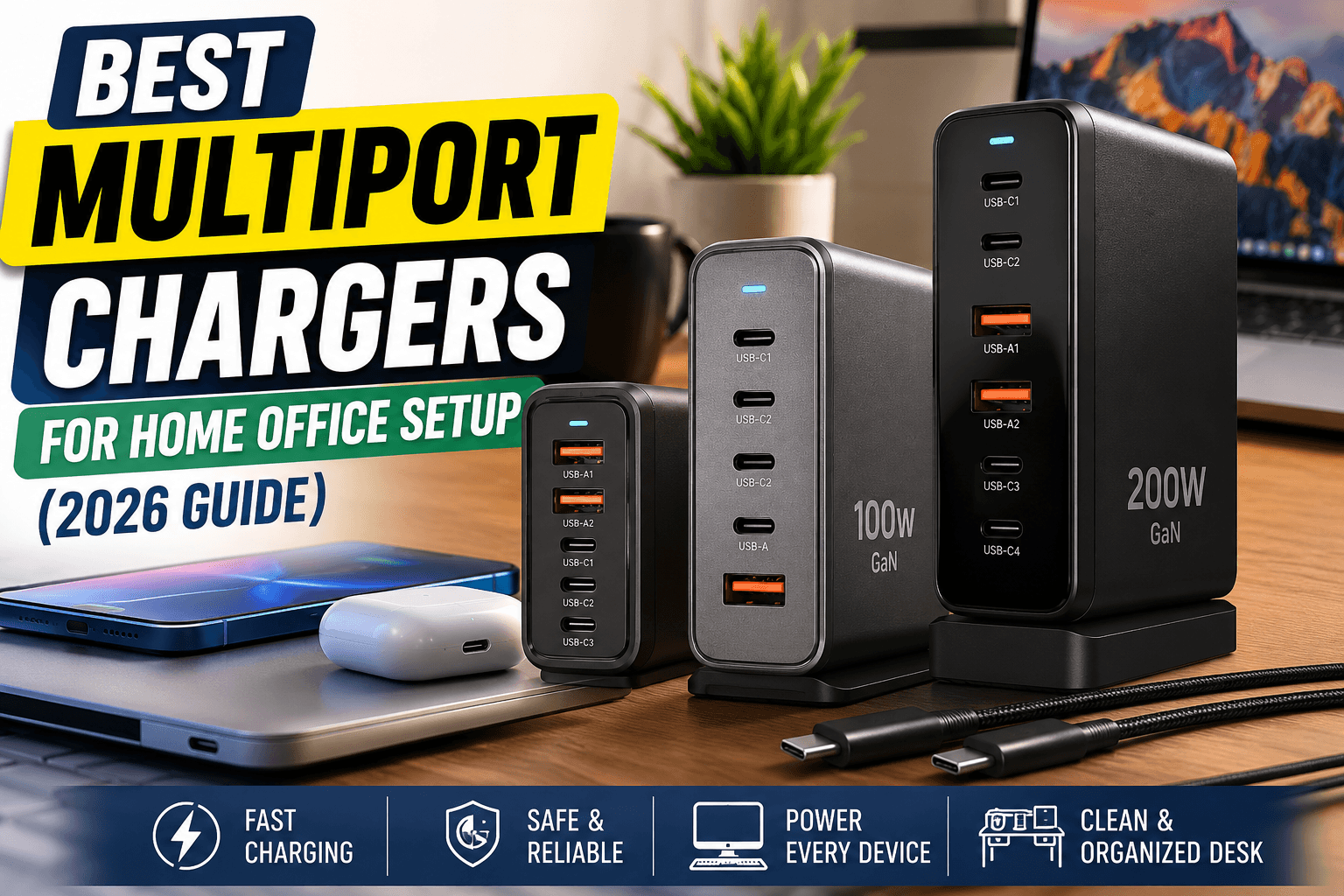
It is simply getting one good multiport charger that can power your whole setup.
A solid multiport charger does three things that a drawer full of mismatched bricks cannot. It frees up your wall outlets charges everything at a fast speed instead of a crawl and makes your desk look clean and organized.
Below we break down the best multiport chargers for a home office setup in 2026 sorted by budget so you can find the right fit for your workspace.
How We Chose These Picks
Before jumping into recommendations here is what actually matters when you are buying a charger for daily desk use.
Total Wattage: This is the maximum power the charger can give out across all ports combined. If you only charge a phone and earbuds then 30 to 45W is plenty. If a laptop is in the mix you want at least 65W and 100W or more gives you real headroom.
Port Count and Mix: Most home offices use two to four devices at once. Look for a mix of USB-C for laptops and modern phones and USB-A for older accessories.
GaN Technology: Gallium nitride chargers run cooler and pack more power into a smaller size than older silicon chargers. This really matters if the charger sits on your desk all day.
Safety Features: Overheat protection surge protection and short circuit protection matter for a device that stays plugged in for hours.
Desk Footprint: A charger that fights for space with your keyboard isn't a good desk charger no matter how powerful it is.
Anker Promo Codes & Coupons
Just Click and get multiple coupons according to order.
Best Multiport Chargers for a Home Office Setup by Budget
Best Budget Pick: 60W 5-in-1 USB-C Charger Block
Best for: Anyone who wants to stop swapping wall bricks without spending a lot of money. These compact 5-port blocks usually feature two USB-A and three USB-C ports. They show up constantly in budget roundups because they charge a phone tablet and accessories all at once. A 60W output is enough to get a phone from empty to over half full in about 30 minutes on the right port. They won't power a demanding laptop at full speed but for a desk that is mostly a phone tablet and audio gear this tier is the sweet spot for value.
Good if: You want to declutter your desk on a tight budget and do not need to fast charge a laptop from the same unit.
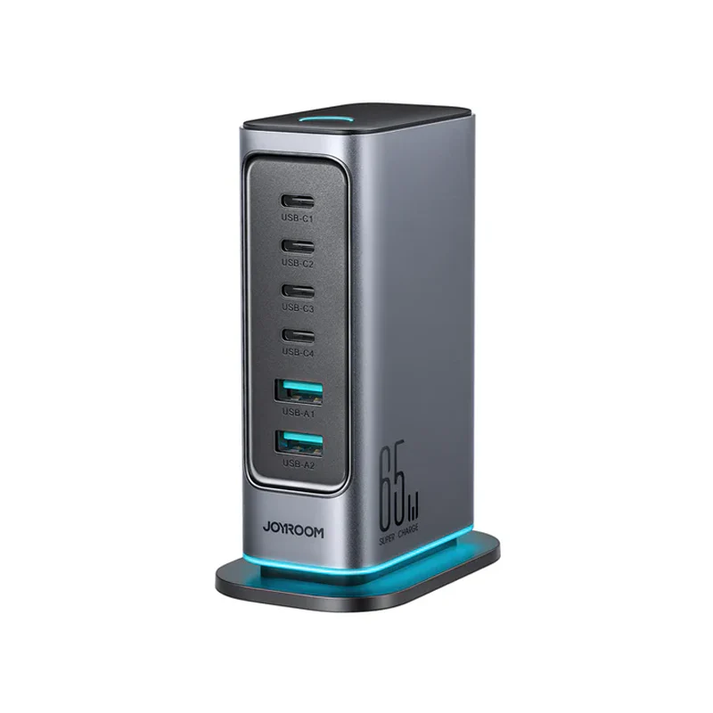
Joyroom 65W Multi-Port Charger
Color : Dark Gray (EU) High-Speed USB-C Charging: Charge USB-C notebooks at high-speed via the 65W USB-C port
Best Mid-Range Pick: 100W GaN Multiport Charger (3 to 4 Ports)
Best for: The average home office desk with a laptop phone and one more device all charging without slowing down. This is where GaN chargers really start to shine. A well-built 100W model splits power intelligently across ports. For example it dedicates more wattage to your laptop on the primary USB-C port while keeping your phone charging at a respectable speed. This tier is popular because it hits the exact wattage most laptops need without making you pay a premium for capacity you won't use.
Good if: You work from a laptop daily and want one charger that handles your laptop phone and another gadget without compromise.
Best Premium Pick: 140W to 200W GaN Charging Station (4 to 6 Ports)
Best for: Heavy multi-device setups especially if two people share a desk or you regularly charge a laptop alongside several power-hungry accessories. At this tier you get chargers that push real laptop charging speeds through two ports simultaneously. That means you have enough headroom to charge two laptops at once plus phones and smaller accessories. These units include advanced thermal management since running multiple high wattage ports generates heat and the better models use aluminum housings to cool down faster than plastic.
Good if: You have a demanding setup like dual laptops or a shared family office and you never want to think about wattage limits again.

Instant Buy Anker Prime Charger (200W, 6 Ports, GaN)
Key Features Ultra-Powerful Charging Station Each USB-C Supports 100W Max 6 Devices, 1 Charger The Charger That Protects
Multiport Charger vs Charging Station: What is the Difference
These terms get used interchangeably but there is a real distinction worth knowing before you buy.
A multiport charger is a wall adapter with multiple output ports that plugs directly into an outlet.
A charging station usually adds a dock tray or stand element often with wireless charging pads built right in. It is designed to hold your devices upright while they charge rather than just letting them sit on the desk attached to a cable.
If you want a genuinely tidy desk a charging station is the better fit. If you just need raw charging power in a compact size a straightforward multiport charger does the job for less money.
Mostly User Buying These: Matching Wattage to Your Setup
Not sure which wattage tier you actually need? Use this simple guide to match your gear.
A simple rule of thumb is to add up the max charging wattage of everything you realistically plug in at once then add a little extra headroom. Buying too little wattage means everything charges slower than it should while overbuying means paying for capacity you will not use.
Streamline Your Desk Setup
The best multiport charger for your home office is the one that matches how you actually work instead of the one with the biggest number on the box. If your desk needs are light a budget 60W block will genuinely solve your clutter problem.
If a laptop is central to your day step up to a 100W GaN charger. And if your setup is highly demanding with two laptops or a shared desk the 140W or higher tier is worth the extra spend.
Whichever tier you choose the goal is exactly the same. You get one charger to cover every device and you never have to hunt for charger under your desk again.
Check back often because we track pricing on these picks and update this guide whenever a genuinely good deal shows up.
Frequently Asked Questions
As a baseline 65W covers a laptop and phone together while 100W or more gives you room to add a tablet or second device without anything slowing down.
Yes as long as its total wattage and per-port output are high enough. A 100W or larger multiport charger with smart power splitting can typically handle all three without any device charging noticeably slower.
For daily desk use yes. GaN chargers run cooler and fit more power into a smaller unit which matters when a charger sits on your desk for 8 or more hours every single day.
Only if you overload them. Quality multiport chargers allocate wattage dynamically prioritizing whichever device needs it most. But if you plug in more devices than the total wattage can support each one will charge slower.