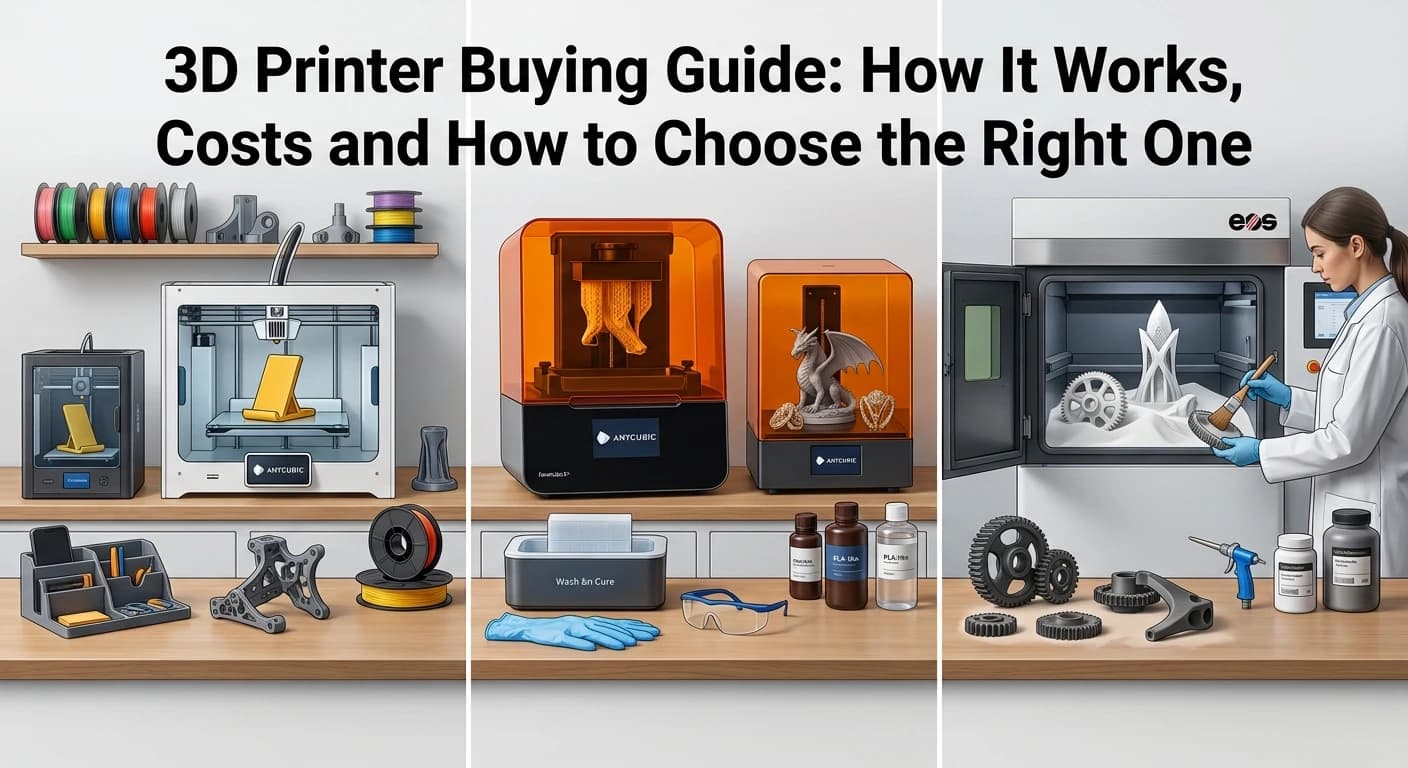
A 3D printer helps you turn your ideas into real things. You can use it to make phone stands, desk organizers, toys, and other useful items for everyday life.
Buying your first 3D printer can feel confusing. Different printer types, materials, features and running costs can make the choice harder.
This guide explains how 3D printers work, what supplies you need, how much printing costs and how to choose a printer that fits your needs and budget.
How Does a 3D Printer Work?
A 3D printer makes real objects from digital designs by building them one layer at a time. The process may vary depending on the type of printer.
Here’s how 3D printing works, step by step:
Choose a design: Download a ready-made 3D model or create your own.
Prepare the file: Use slicing software, such as Cura or PrusaSlicer, to turn the model into instructions the printer can follow.
Load the material: Add filament to an FDM printer or prepare the resin system for a resin printer.
Start printing: The printer builds the object one layer at a time.
Finish the object: Remove the print carefully. Some prints may need a little extra work, like sanding, removing supports, washing, or curing.
Your results depend on the printer, material, design and settings. A simple phone stand may print with little extra work, while a detailed model can require more preparation.
Different Types of 3D Printers Explained
Not every 3D printer uses the same technology. The best option depends on the objects you want to make, the level of detail you need and your budget.
FDM 3D Printers
Fused Deposition Modeling (FDM) printers melt plastic filament and push it through a nozzle. The nozzle deposits the material in layers until the object is complete.
FDM printers are popular with beginners because they can make practical items, prototypes, toys organizers and many household accessories.
Pros:
Affordable: FDM printers and basic filaments are usually budget-friendly.
Versatile: Suitable for printing toys, prototypes, household items and useful accessories.
Easy to Maintain: Many parts are replaceable, making basic maintenance easier.
Cons:
Visible Layer Lines: Printed objects may need sanding for a smoother finish.
Less Detail:Tiny and complex designs may not look as clear as resin prints.
FDM is a good starting choice if you want to experiment with 3D printing without spending too much on equipment.

FDM 3D Printers
Explore FDM 3D printers for beginners, hobbyists and everyday projects. Great for creating models, organizers, prototypes, and useful household items.
Resin 3D Printers
Resin printers use light to harden liquid resin into solid layers. They are often chosen for miniatures, detailed models, jewelry prototypes and small parts where fine detail matters.
Pros:
High Detail: Produces smooth surfaces and fine details for intricate designs.
Great for Miniatures: Ideal for miniatures, figurines and detailed models.
Precise Results: Captures small features that can be difficult to print with FDM machines.
Cons:
Extra Post-Processing: Prints require washing and curing before use.
Careful Handling: Resin needs proper protection, ventilation and safe storage.
Resin printing makes sense when detail is your main priority and you are prepared to handle the extra steps safely.
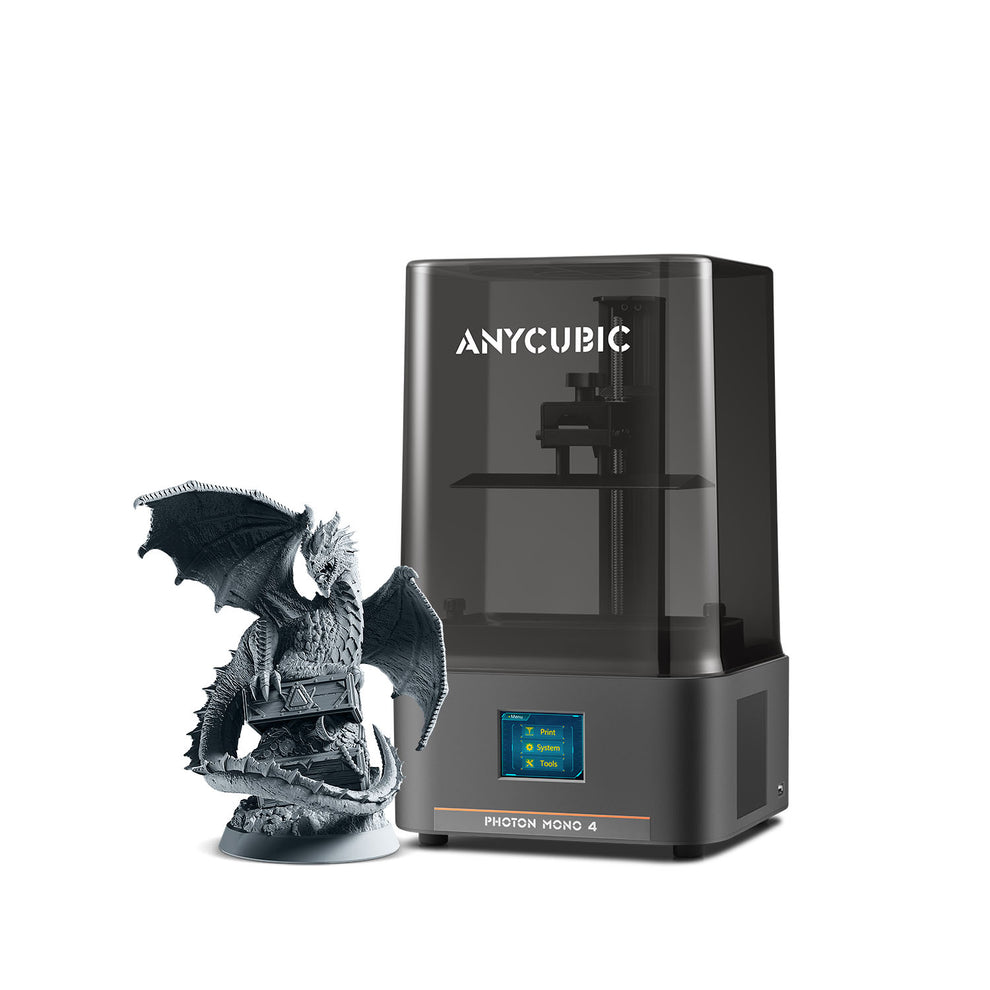
Resin 3D Printers
Discover resin 3D printers for creating detailed miniatures, small models, and smooth-finish designs for creative projects and hobbies.
SLS 3D Printers
Selective Laser Sintering (SLS) uses a laser to fuse powdered material into a solid object. It is used for complex parts and functional components, especially in professional and industrial applications.
Pros:
Complex Shapes: Can create complex designs without needing traditional support structures.
Durable Parts: Suitable for many functional components and practical applications.
Design Freedom: Allows complex parts that may be difficult to produce with other methods.
Cons:
High Cost: Printers and operating expenses are generally expensive.
Specialized Process: Powder handling and post-processing require proper equipment and procedures.
Most first-time buyers should compare FDM and resin printers before considering SLS equipment. A professional printing service may be a better option if you only need SLS parts occasionally.
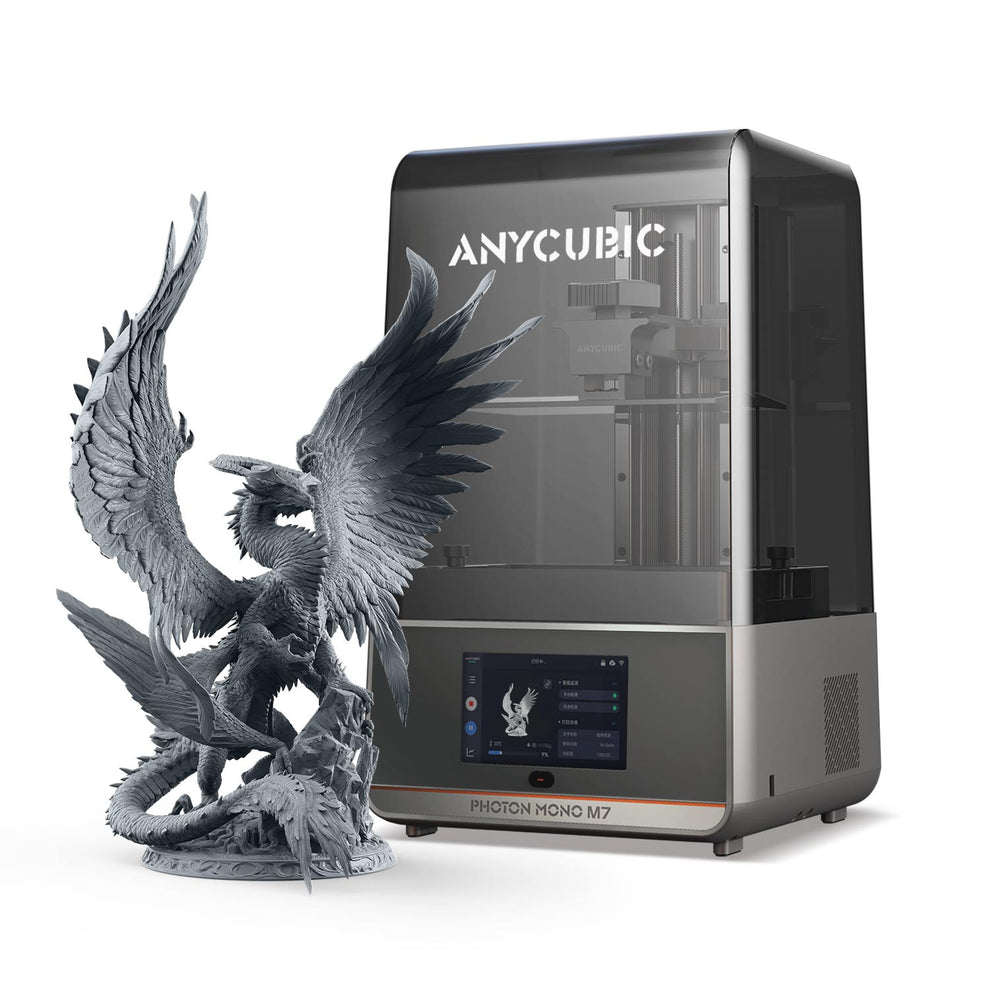
SLS 3D Printers
Explore SLS 3D printing technology for creating complex shapes, durable parts, and detailed designs for professional and engineering projects.
Quick Comparison: FDM vs. Resin vs. SLS
How Much Does a 3D Printer Cost?
The cost of a 3D printer depends on its size, technology, features and intended use. Entry-level machines generally cost less than large or specialized systems.
Choose a printer based on its features and value, not just its price.
Budget printers: Suitable for simple projects and learning the basics. Check the build volume, setup requirements and reliability.
Mid-Range Printers: Often offer easier setup, helpful features, faster printing, or more space for larger projects.
Advanced printers: Can support larger projects, specialized materials or features aimed at experienced users and professionals.
Resin Printers: Remember to include the cost of cleaning supplies, washing and curing tools and safety equipment.
SLS systems: Usually require a much larger investment and may be better accessed through a printing service.
Prices vary by country, retailer and model. Check current listings before buying and remember that the printer is only one part of your total budget.
What Other Costs Should You Expect?
The purchase price is not the only cost of owning a 3D printer. Materials, replacement parts, tools and maintenance can add up over time.
Filament and Resin Costs
FDM printers use filament, often sold by weight. PLA is a common beginner material, while PETG, TPU and other filaments suit different applications.
Resin printers use liquid resin. The right type depends on the printer and the needs of your project.
Before buying supplies, check material compatibility and compare the cost per kilogram or liter. Specialty materials can cost more than standard options.
Tools and Maintenance
You may need cutters, scrapers, spare nozzles, build surfaces, cleaning supplies or replacement components. Resin printing may also require gloves, washing supplies, curing equipment and appropriate storage.
Electricity and Failed Prints
Electricity adds to the running cost, although the amount depends on the printer and print duration. Failed prints also waste material and time.
A reliable printer, suitable settings and proper maintenance canhelp reduce unnecessary waste.
How Much Does It Cost to Make One 3D Print?
You can estimate material cost by checking how much filament a model uses.
For example, if a 1 kg filament spool costs $20, the material for a 50 g print costs approximately $1.
The calculation is:
50 g ÷ 1,000 g × $20 = $1
This estimate covers filament only. Supports, failed prints, electricity and maintenance may increase the actual cost. Resin printing needs a separate estimate based on resin usage and post-processing supplies.
7 Features to Check Before Buying a 3D Printer
The right features can make printing easier and help you avoid unnecessary expenses.
1. Build Volume
Build volume tells you the maximum size of an object the printer can make in one job. A compact printer may be enough for miniatures and small accessories, while larger models need more space.
2. Automatic Bed Leveling
A properly leveled build plate helps the first layer stick correctly. Automatic bed leveling can simplify setup, especially for beginners, although it does not remove the need for maintenance.
3. Print Speed and Reliability
A high advertised speed does not guarantee good results. Look for consistent print quality, reliable operation and reviews that discuss real-world use.
4. Enclosure
An enclosure can help maintain stable temperatures for certain materials. It may also provide some protection from moving parts, but it does not replace ventilation or other safety measures.
5. Multicolor Printing
Multicolor printing can make models more attractive but the feature may increase equipment costs, material use and print time. Consider whether you will use it regularly.
6. Software and Connectivity
Check whether the printer works with software you can comfortably use. Helpful features may include a simple interface, Wi-Fi, file transfer options and clear instructions.
7. Warranty and Spare Parts
Before buying, check the warranty, customer support, replacement parts and availability of compatible materials. These details matter when something needs repair.
Which Materials Can You Print?
Different materials offer different levels of strength, flexibility, heat resistance and ease of printing. Always check which materials your printer supports.
PLA
PLA is a common starting material because it is generally easy to print. It works well for decorations, prototypes, toys and desk organizers.
It may not be the best choice for objects exposed to high temperatures or demanding outdoor conditions.
PETG
PETG is often chosen for parts that need more toughness and moisture resistance than standard PLA. It can suit practical household accessories and functional prints.
TPU
TPU is a flexible material used for items such as protective covers, flexible grips and certain wearable or shock-absorbing parts. It may need slower printing and suitable printer settings.
ABS and ASA
ABS and ASA can be useful for parts that need better heat resistance. However, they can be more challenging to print and may require an enclosure and appropriate ventilation.
Nylon and Composite Filaments
Nylon can be useful for certain durable functional parts. Composite filaments may contain fibers or other additives that change their properties.
These materials may need more careful storage, compatible hardware and specific printing settings. Beginners can usually start with PLA and explore other materials as their projects become more demanding.
Related reading: Best 3D Printer Filament for Beginners
How to Set Up and Use a 3D Printer
A careful setup can prevent common problems and make your first print easier.
Choose a suitable workspace: Use a stable surface with enough room to operate and maintain the printer.
Follow the setup instructions: Assemble the machine and check that all parts are installed correctly.
Prepare the build plate: Level it manually or use the printer's automatic leveling feature as directed.
Load the material: Follow the instructions for loading filament or preparing a resin printer.
Prepare the model: Open your 3D file in compatible slicing software and choose suitable settings.
Start with a simple print: A small test model helps you learn how the printer behaves.
Remove and finish the object: Follow the manufacturer's guidance and use appropriate precautions during removal and post-processing.
Avoid rushing the first print. Learning basic settings and maintenance will help you get more consistent results.
What Do You Need Besides a 3D Printer?
The supplies you need depend on the type of printer and the projects you plan to make.
For FDM printing, consider:
Compatible filament.
Flush cutters and basic tools.
A suitable build surface.
Spare nozzles or other recommended replacement parts.
Storage that protects filament from moisture when needed.
For resin printing, consider:
Compatible resin.
Suitable gloves and protective equipment.
Washing and curing supplies.
Appropriate ventilation and safe storage.
A safe way to handle and dispose of resin waste according to local rules and the manufacturer's instructions.
You do not need to purchase every accessory at once. Start with the essentials recommended for your printer and add tools as your projects require them.
Common 3D Printing Problems for Beginners
Even a good printer may need adjustments. These are some common issues and the first things to check.
Prints not sticking to the bed: Clean the build surface and check the first-layer height and leveling.
Stringing between parts: Review the temperature and retraction settings for your material.
Warping or lifted corners: Check bed adhesion and use appropriate temperature settings. Some materials are more prone to warping than others.
Layer shifting: Look for mechanical obstructions and check whether belts or other moving components need attention.
Poor surface quality: Confirm the material profile, nozzle condition and print settings. Try changing one setting at a time so you can identify what helps.
If a problem continues, consult the printer manufacturer's troubleshooting guide before replacing parts.
How to Choose the Right 3D Printer
Choosing the right 3D printer becomes easier when you focus on your actual needs.
Start with your projects. Choose FDM for many affordable everyday objects, resin for detailed miniatures and models or SLS when you need specialized parts that justify the higher cost.
Set a complete budget. Include the printer, materials, tools, maintenance and any post-processing equipment.
Check your available space. Consider the printer's dimensions, noise, ventilation requirements and room for supplies.
Look for useful features. Automatic bed leveling and easy-to-use software may be more valuable to a beginner than advanced features you will rarely use.
Read reviews carefully. Look for information about print quality, setup, reliability, support and replacement parts. A printer with a lower price may not be the best value if it regularly wastes material or needs difficult repairs.
If you only need a few objects, compare the cost of using a local 3D printing service before purchasing your own machine.
Explore Anycubic 3D Printers and Supplies
Anycubic offers different types of 3D printers and printing supplies. When comparing its available options, check the printer technology, build volume, compatible materials, setup requirements and total running costs.
Choose a model based on the projects you want to make rather than buying extra features you may not need.
Explore Anycubic 3D Printers
Looking for a 3D printer or useful accessories? Explore Anycubic's available products and find options that fit your needs and budget.
A 3D printer can be worth the investment if you regularly make models, prototypes, custom accessories or hobby projects. It gives you control over designs and lets you create objects that may be difficult to find in stores.
However, printing takes time and failed jobs, materials and maintenance add to the cost. Beginners should be prepared to learn basic software and troubleshoot occasional problems.
If you only need one or two printed objects, using a 3D printing service may be more affordable than buying a printer.
The best choice is the one that fits your projects, available space, budget and willingness to learn.
Final Verdict
For many first-time buyers, an easy-to-use FDM printer is a sensible place to start. It can handle a wide range of everyday projects without the extra steps involved in resin printing. If fine detail is your main priority, compare resin models and account for their safety and post-processing requirements. Before buying, consider the full cost of ownership not just the printer's price.
Frequently Asked Questions
Basic models may cost 150–300, but materials and accessories add to the total.
Not necessarily. Start with a beginner-friendly printer and simple designs to learn the basics.
FDM suits everyday objects, while resin is better for highly detailed models.