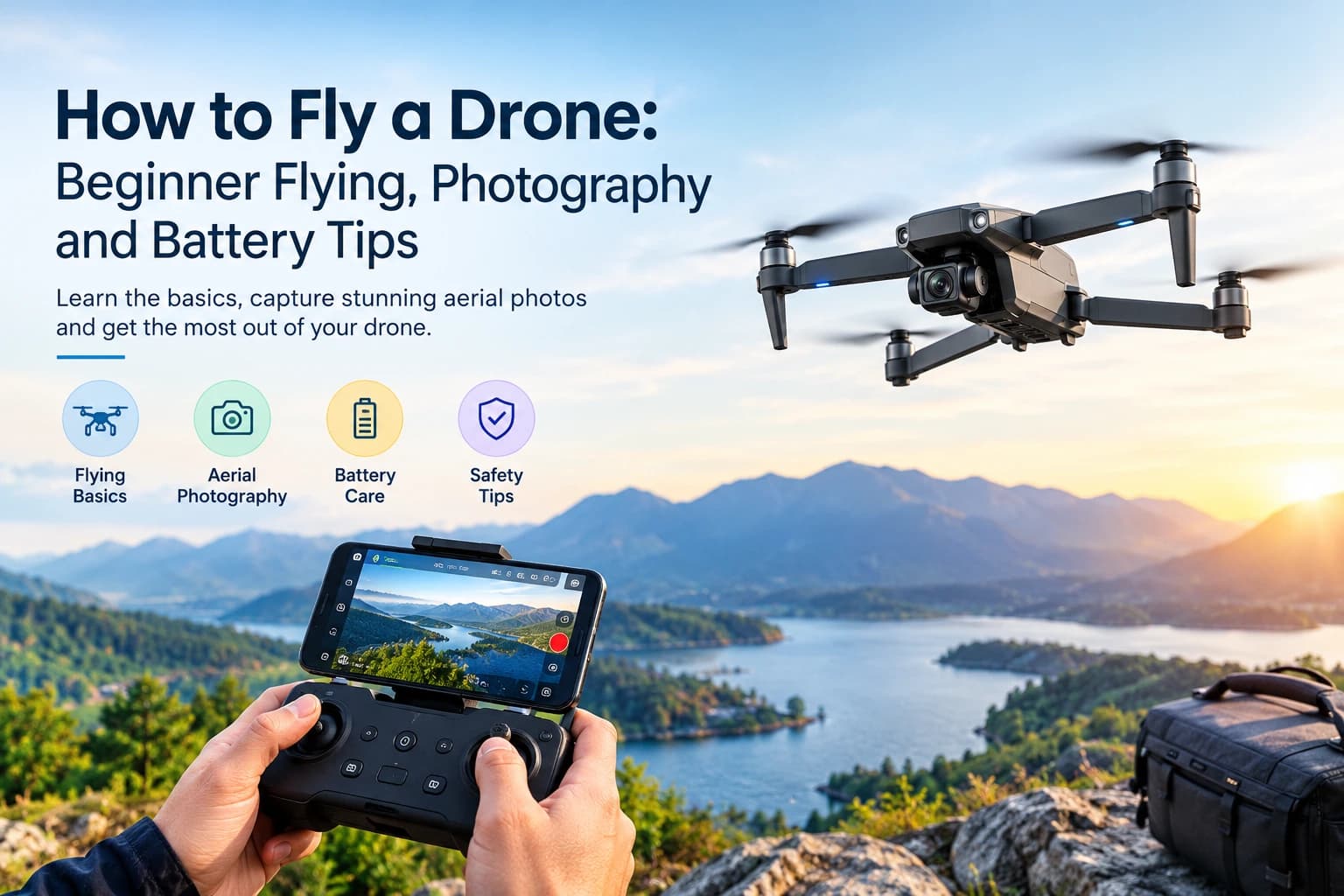
Flying a drone for the first time can feel exciting, but learning the controls, taking clear photos and managing battery life may take some practice. The good news is that modern drones come with helpful features that make flying easier for beginners.
Whether you want to capture beautiful outdoor views, record travel videos or simply enjoy flying, understanding a few basics can make your experience better.
This guide explains category technology and gadgets how to fly a drone, take better aerial photos, care for its battery and choose useful accessories.
What to Know Before Flying a Drone
Before your first flight, take a few minutes to prepare your drone and check your surroundings.
Read the manual: Learn how your drone starts, lands and responds to controller commands.
Check the propellers: Look for cracks, loose parts or visible damage.
Charge the batteries: Make sure the drone and controller have enough power.
Check the camera: Remove any protective cover and make sure the memory card is ready.
Check local rules: Look up registration, airspace and height restrictions in your area.
A little preparation can help prevent common problems during your first flight.
How to Fly a Drone for Beginners
Most camera drones use a remote controller with two joysticks. Learning what each stick does will help you control the drone with more confidence.
Understand the Drone Controls
The left joystick usually controls height and rotation:
Push up to make the drone rise.
Pull down to make it descend.
Move left or right to rotate it.
The right joystick controls direction:
Push up to move forward.
Pull down to move backward.
Move left or right to fly sideways.
Some controllers also have buttons for automatic takeoff, landing and Return to Home. Learn these features before flying so you know what to do if you lose control or need to land quickly.
Practice Your First Flight
Start with a wide, open space away from people, roads, trees and power lines.
Place the drone on a flat surface.
Turn on the controller and drone according to the manual.
Wait for the app to confirm GPS and home-point status, if your model uses GPS.
Use the takeoff button or gently raise the throttle.
Let the drone hover at a low height.
Practice moving forward, backward, left and right.
Bring it back to a clear landing spot and descend slowly.
Start with short flights. Once you feel comfortable with basic movements, try simple patterns such as squares and circles.
Easy Flying Tips for Beginners
Use beginner mode if your drone offers it.
Keep the drone within your visual line of sight.
Make small, gentle joystick movements.
Avoid flying in strong winds or rain.
Watch the drone instead of looking only at the controller screen.
Learn how Return to Home works before relying on it.
These simple habits can help you avoid unnecessary mistakes while learning.
Easy Drone Photography Tips for Better Aerial Shots
Once you feel comfortable controlling your drone, you can start exploring aerial photography. A few simple techniques can make your pictures and videos look much better.
Choose the Right Time for Photos
Early morning and late afternoon often provide softer natural light. This can make landscapes, buildings and outdoor scenes look more attractive.
Try to avoid harsh midday sunlight when possible, as it can create strong shadows and bright areas.
Use Simple Camera Settings
You do not need complicated settings to get started.
Resolution: Choose the highest practical resolution supported by your drone.
Frame rate: Use 24 or 30 fps for regular video or 60 fps when you want slow-motion footage.
Exposure: Check that bright skies and darker areas still show useful detail.
Photo format: Use RAW if available and you plan to edit your pictures later.
Try Different Camera Angles
Changing your camera angle can make familiar places look more interesting.
Top-down shots: Capture roads, beaches, fields and patterns from above.
Wide shots: Show the full landscape or surrounding area.
Leading lines: Use rivers, paths and roads to guide the viewer's attention.
Slow reveals: Move backward and upward to gradually show a beautiful view.
Keep Your Camera Movements Smooth
Fast movements can make videos look shaky or difficult to watch. Move the drone slowly and use cinematic mode if your model includes it.
For smoother footage in bright sunlight, you can also explore neutral density (ND) filters if your drone supports them.
How Long Do Drone Batteries Last?
Drone battery life depends on the model, battery size, weather and flying style. Small beginner drones may offer shorter flights, while many larger camera drones can stay in the air longer.
For example, the TechShack drone range includes models with different stated flight times:
A26 Pro FPV: Approximately 20 minutes per charge.
V198 Pro Max: Up to 25 minutes per charge.
V168 Pro Max: Up to 28 minutes per charge.
Potensic ATOM SE: Up to 31 minutes per battery.
These are manufacturer or store-listed figures. Actual flight time can be shorter depending on wind, temperature, camera use and how you fly.
How to Get More Flight Time
Want to spend more time capturing photos and videos? A few simple habits can help:
Avoid unnecessary high-speed flying.
Keep the drone away from strong winds.
Land before the battery becomes critically low.
Carry a compatible spare battery for longer outings.
Let a hot battery cool before charging it.
How to Store and Charge Drone Batteries
Good battery care can help maintain performance over time.
Use the recommended charger and place the battery on a suitable, non-flammable surface while charging. Never charge a swollen, leaking or visibly damaged battery.
If you will not use your drone for several days, follow the manufacturer's recommended storage charge level. Keep batteries in a cool, dry place away from direct sunlight and extreme heat.
Drones to Explore for Flying and Aerial Photography
Choosing the right drone can make learning to fly and taking aerial photos more enjoyable. Here are six options from Tech Shack’s drone collection, with different camera, GPS and flight features to consider.
1. Valis GPS 8K Camera Drone
The Valis GPS 8K Camera Drone features a triple camera system, built-in GPS, four-way obstacle avoidance and advanced stabilisation. It also offers intelligent flight modes, including Follow Me, Waypoint Flight and GPS Auto Return. Its 4K main camera and listed flight time of up to 30 minutes make it an option to consider for aerial photography.
Best for: Beginners and hobby photographers looking for GPS features and multiple camera options.

Valis GPS 8K Camera Drone
Capture aerial photos and videos with a triple camera system, GPS positioning, four-way obstacle avoidance and advanced stabilisation. It offers up to 30 minutes of listed flight time and beginner-friendly flight modes.
2. Z908 Pro Max 4K HD Camera Drone
The Z908 Pro Max 4K HD Camera Drone is a compact foldable drone with a 4K HD camera, optical flow positioning and three-sided obstacle avoidance. Its camera can be adjusted remotely, and the store lists approximately 15 minutes of flight time per charge.
Best for: Beginners looking for a compact drone for casual flying and aerial photography.
Z908 Pro Max 4K HD Camera Drone
Explore aerial photography with this foldable drone featuring a 4K HD camera, optical flow positioning and three-sided obstacle avoidance. It offers remote camera adjustment, around 15 minutes of listed flight time and a control range of up to 200 metres under interference-free conditions.
Useful Drone Features and Accessories to Consider
The right drone and accessories can make flying and photography more convenient. When exploring different options, think about the features you will actually use.
GPS and Return-to-Home
GPS can help a compatible drone maintain its position and return to its recorded home point. This is especially useful for beginners who are still learning to control their drone.
Camera Stabilisation
A drone with camera stabilisation can help reduce unwanted movement in photos and videos. Look at the camera and stabilisation details rather than choosing a model based on resolution alone.
Spare Batteries and Carrying Cases
Extra compatible batteries are useful when one flight is not enough. A carrying case also helps protect your drone and keep its accessories together during travel.
If you are comparing different camera drones, GPS models and accessories.
Common Drone Flying Mistakes to Avoid
Even a feature-rich drone needs careful handling. Beginners should avoid these common mistakes:
Flying too far before learning the controls.
Ignoring battery warnings.
Trying to take photos while still struggling with basic flight movements.
Flying in unsuitable weather.
Forgetting to check the home point.
Assuming obstacle avoidance can detect every object.
Flying near restricted airspace or over people without checking local rules.
Learning slowly and following the manufacturer's instructions can make each flight safer and more enjoyable.
Final Thoughts
Learning how to fly a drone takes practice, but you do not need advanced skills to get started. Focus on basic controls first, then explore aerial photography and learn how to manage battery life.
Choosing a suitable drone, carrying spare batteries and following safe flying habits can make your experience much easier. Take your time, practice regularly and enjoy discovering new views from above.
Frequently Asked Questions
Most beginners can learn basic controls with short practice sessions. Start with hovering, then move on to simple directions and landing.
Choose good natural light, try different camera angles, use smooth movements and avoid rushing your shots.
Charging time depends on the battery and charger. Follow the manufacturer's instructions and avoid leaving a battery charging unattended.
Strong winds can make a drone harder to control and reduce flight time. Check your model's wind limits and avoid flying in unsuitable conditions.