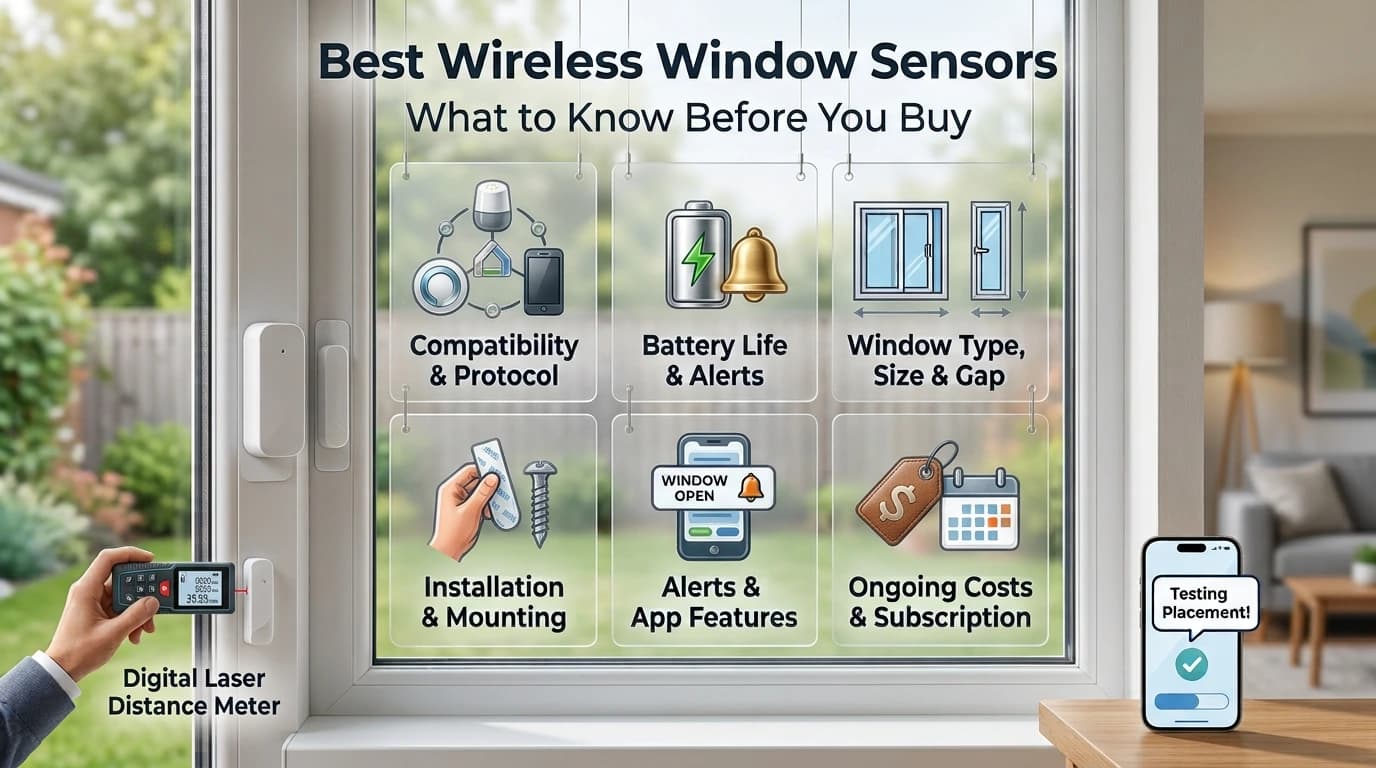
A wireless window sensor is a simple way to know when a window is opened. It can send an alert to your phone, trigger an alarm or work with a larger smart home system.
But choosing one is not just about finding the cheapest sensor. You also need to check compatibility, battery life, sensor size, installation, alerts and ongoing costs.
This guide explains what to look for in a wireless window sensor before you buy, so you can choose one that fits your windows and your security setup.
What Is a Wireless Window Sensor?
A wireless window sensor is a small device that detects when a window is opened or closed. Most models use two parts: a sensor and a magnet.
The two parts sit close together when the window is closed. When the window opens, they move apart. The sensor then sends a wireless signal to a hub, alarm system or compatible smart home device.
Because there is no wire running from the window to a control panel, installation is usually easier than with wired sensors. This makes wireless models useful for existing homes, apartments and rooms where running cables is not practical.
Contact vs Glass Break vs Motion Sensors
Not every security sensor protects a window in the same way. Each sensor works a little differently, so knowing the difference can help you pick the right one.
Best Wireless Window Sensors to Consider
Aqara Door and Window Sensor P2
Best for: Matter smart homes
The Aqara P2 is a smart choice for modern homes. It supports Matter and Thread and can work with popular smart home platforms like Apple Home, Google Home, Alexa and SmartThings.
Pros
Matter and Thread support
Works with several major smart home platforms
Cons
Requires a compatible Thread Border Router

Aqara Door and Window Sensor P2
The Aqara P2 is a smart choice for modern homes. It supports Matter and Thread and works with popular smart home platforms like Apple Home, Google Home, Alexa and SmartThings with the right setup.
Ring Alarm Contact Sensor (2nd Gen)
Best for: Ring Alarm users
The Ring Alarm Contact Sensor (2nd Gen) is made for Ring Alarm systems and works on doors or windows. It sends an alert when a door or window opens or closes. Its two CR2032 batteries can last up to three years, depending on how you use it.
Pros
Easy installation with adhesive mounting
Up to 3-year battery life depending on use
Cons
Requires a Ring Alarm Base Station
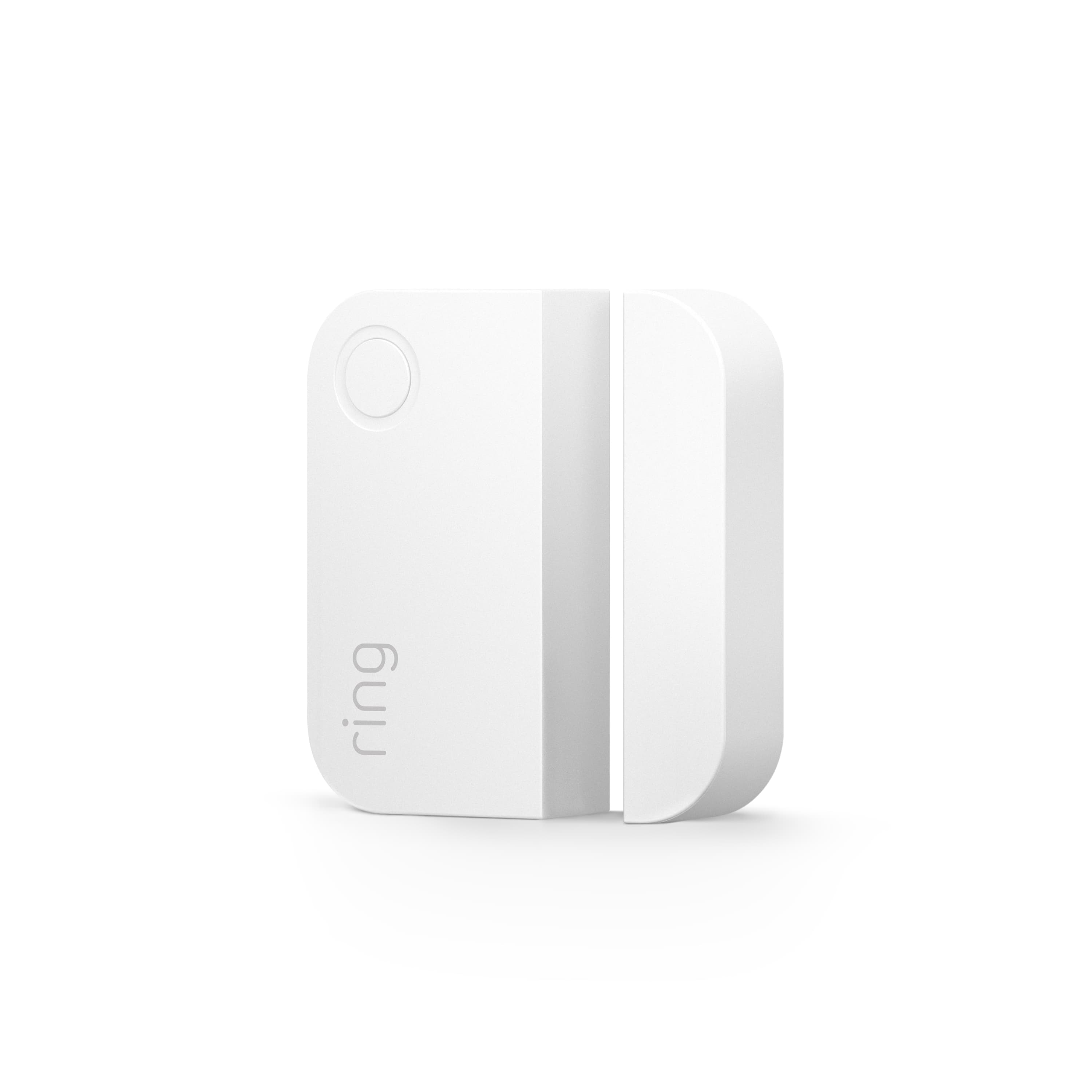
Ring Alarm Contact Sensor (2nd Gen)
The Ring Alarm Contact Sensor (2nd Gen) is made for Ring Alarm systems and works on doors or windows. It sends an alert when a door or window opens or closes, making it easy to keep track of entry points.
YoLink Door & Window Sensor
Best for: Long-range setups
The YoLink Door and Window Sensor is a good option for larger homes or properties. It uses a long-range connection, so it can reach areas that may be too far from a regular smart home setup.
Pros
Designed for long-range coverage
Good option for larger properties
Cons
Requires the right YoLink hub for full system use
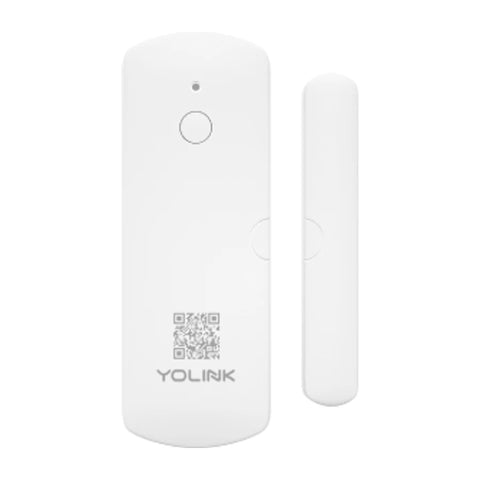
YoLink Door & Window Sensor
The YoLink Door & Window Sensor is a good option for larger homes or properties. It uses a long-range connection, so it can reach areas that may be too far from a regular smart home setup.
SONOFF SNZB-04P
Best for: Zigbee smart homes
The SONOFF SNZB-04P is a small window and door sensor made for Zigbee smart home setups. It is a good option if you already have a compatible Zigbee hub.
Pros
Compact design
Good fit for Zigbee setups
Cons
Requires a compatible Zigbee gateway
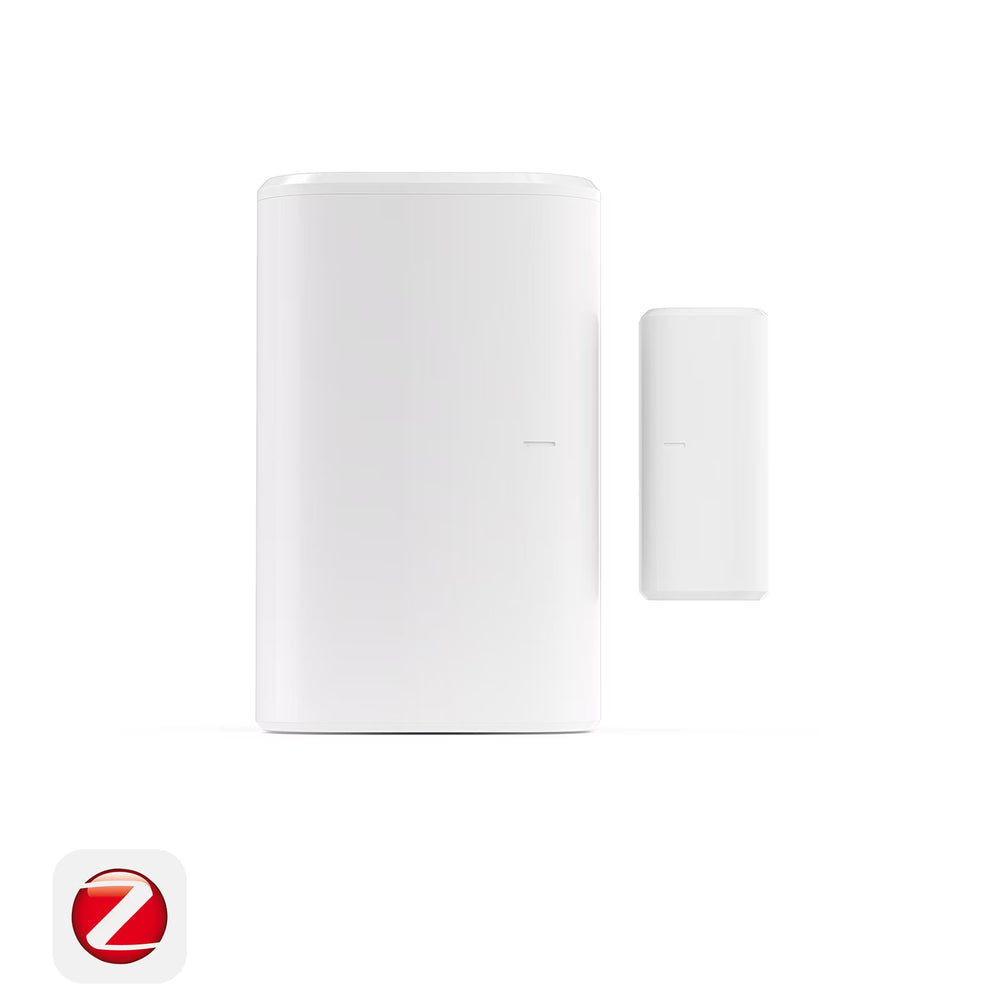
SONOFF SNZB-04P
The SONOFF SNZB-04P is a small window and door sensor made for Zigbee smart home setups. It is a good option if you already have a compatible Zigbee hub.
Before buying, check these key points:
1. Compatibility and Wireless Protocol
Make sure it works with your current hub or smart home system.
Check whether it uses Wi-Fi, Zigbee, Z-Wave, Bluetooth, Matter or Thread.
Confirm support for platforms like Alexa, Google Home or Apple Home if needed.
2. Battery Life and Low-Battery Alerts
Check the expected battery life and battery type.
Look for low-battery alerts so you know when to replace it.
Make sure the battery is easy to replace.
3. Window Type, Sensor Size and Gap
Check that the sensor fits your window frame.
Consider the sensor size for narrow or recessed frames.
Check the recommended gap between the sensor and magnet.
4. Installation and Mounting
Look for adhesive or screw mounting based on your needs.
Make sure the mounting surface is clean and dry.
Test the sensor after installation to confirm it detects the window correctly.
5. Alerts, Tamper Protection and App Features
Look for open/close and low-battery notifications.
Tamper alerts can add extra protection.
Choose an app that makes it easy to check your window status.
6. Subscription and Ongoing Costs
Check if the system requires a monthly subscription.
Include the cost of hubs, batteries and extra sensors.
Compare the long-term cost, not just the sensor's price.
How Many Wireless Window Sensors Do You Need?
You do not always need a sensor on every window.
Start with windows that are easier to reach or more important to your security plan. Ground-floor windows are often a practical starting point, along with basement windows or other accessible openings.
Upper-floor windows may need less attention if they are difficult to reach, although the right setup depends on your home.
If you have several similar windows, a multi-pack can sometimes be more convenient and reduce the cost per sensor.
The goal is not simply to install as many sensors as possible. It is to cover the windows that matter most while keeping the system easy to maintain.
Wireless Window Sensors Beyond Home Security
Wireless window sensors can do more than trigger security alerts.
For example, a smart home system may use a window sensor to pause heating or cooling when a window is left open. This can be useful in rooms where an open window would otherwise waste energy.
They can also support other household alerts. A sensor may notify you if a window is opened during a specific time or help monitor areas that need extra attention.
Some people may also use them as part of child, pet or elderly safety routines.
These uses depend on the sensor and smart home platform you choose, but they show why compatibility matters beyond basic security.
Final Thought
The best wireless window sensor is not simply the one with the most features. It should fit your window, work with your existing system, provide dependable alerts and be easy to maintain.
Start by checking compatibility and sensor placement. Then compare battery life, alerts, installation and ongoing costs.
A little planning before you buy can help you build a window monitoring setup that works reliably without adding unnecessary complexity.
Frequently Asked Questions
Not always. Some use Zigbee, Z-Wave, Bluetooth, Thread or a proprietary connection instead. Check the sensor's required hub or protocol before buying.
Battery life varies by model, battery type, usage and settings. Check the manufacturer's rating and choose a model with low-battery alerts for easier maintenance.
Many wireless contact sensors are designed for simple DIY installation. Clean the mounting surface, follow the recommended sensor gap and test the sensor after installation.